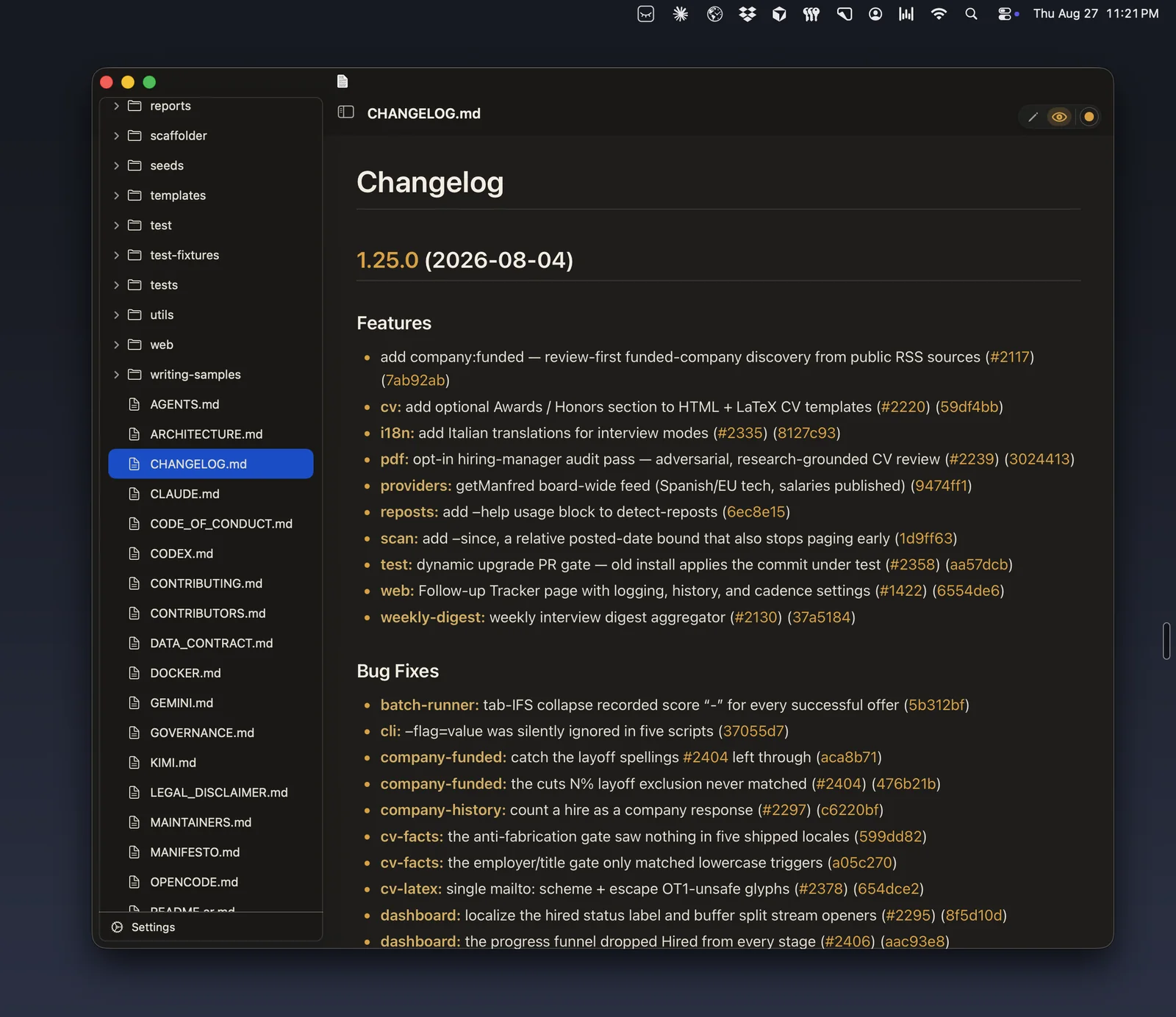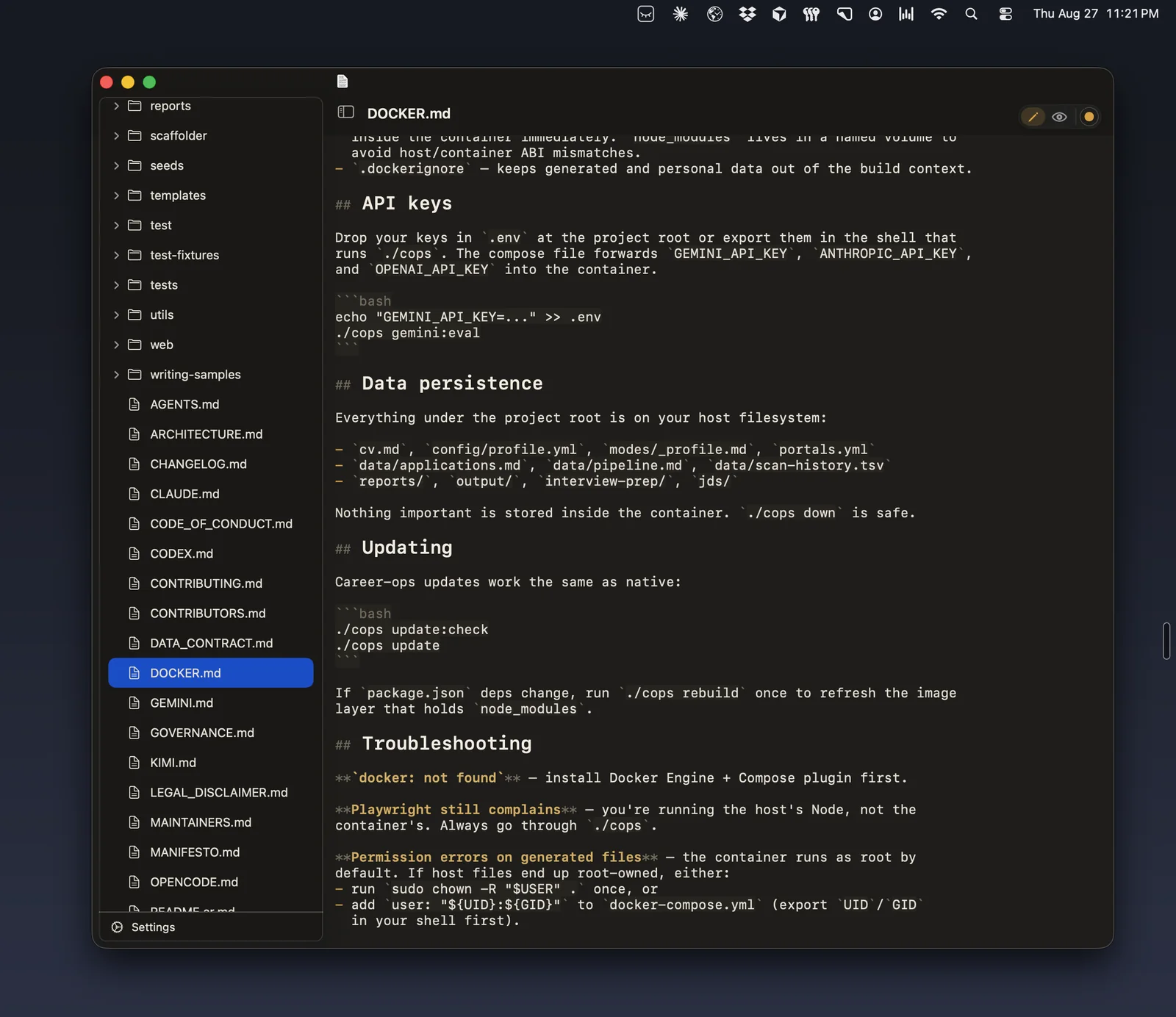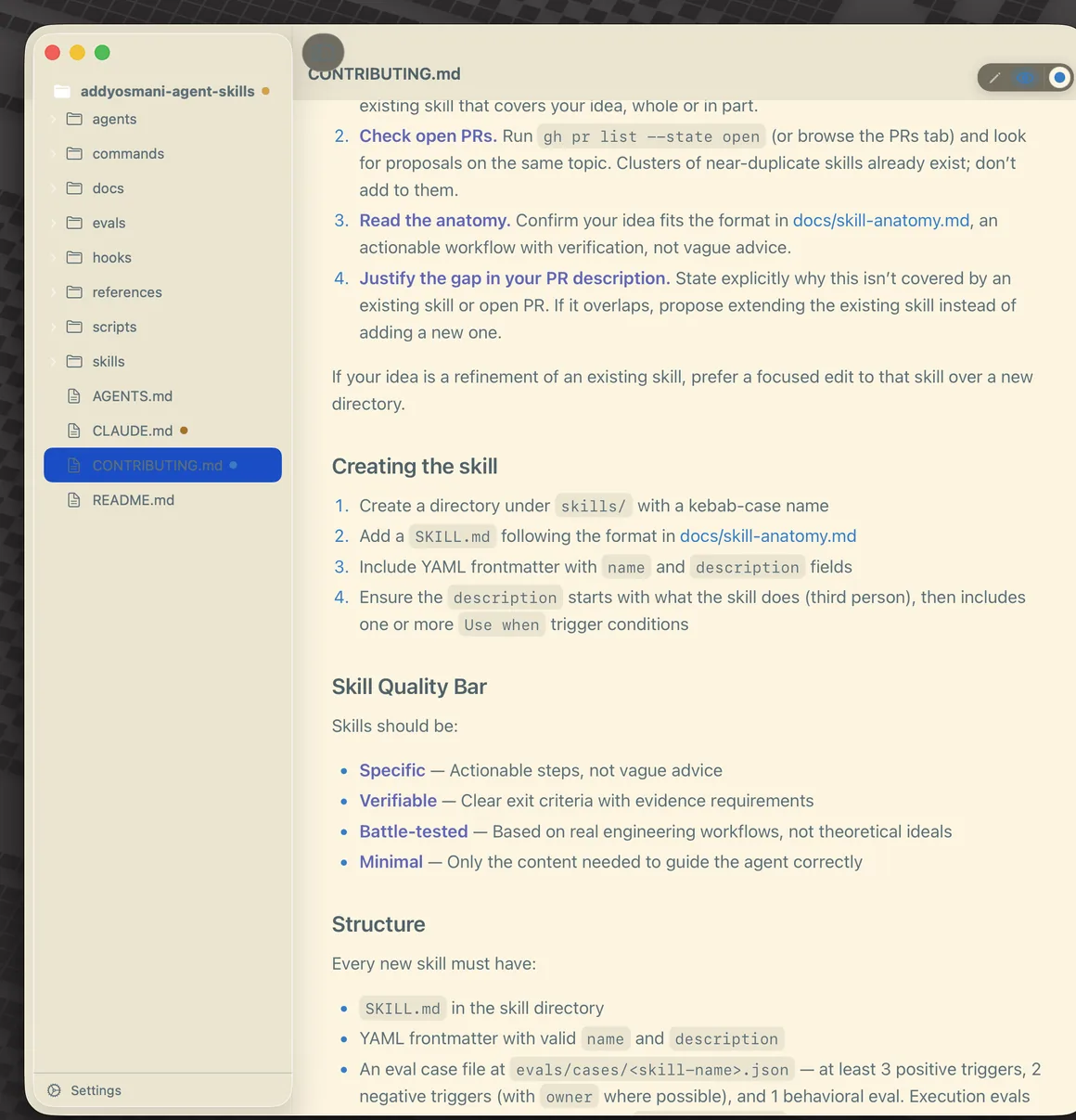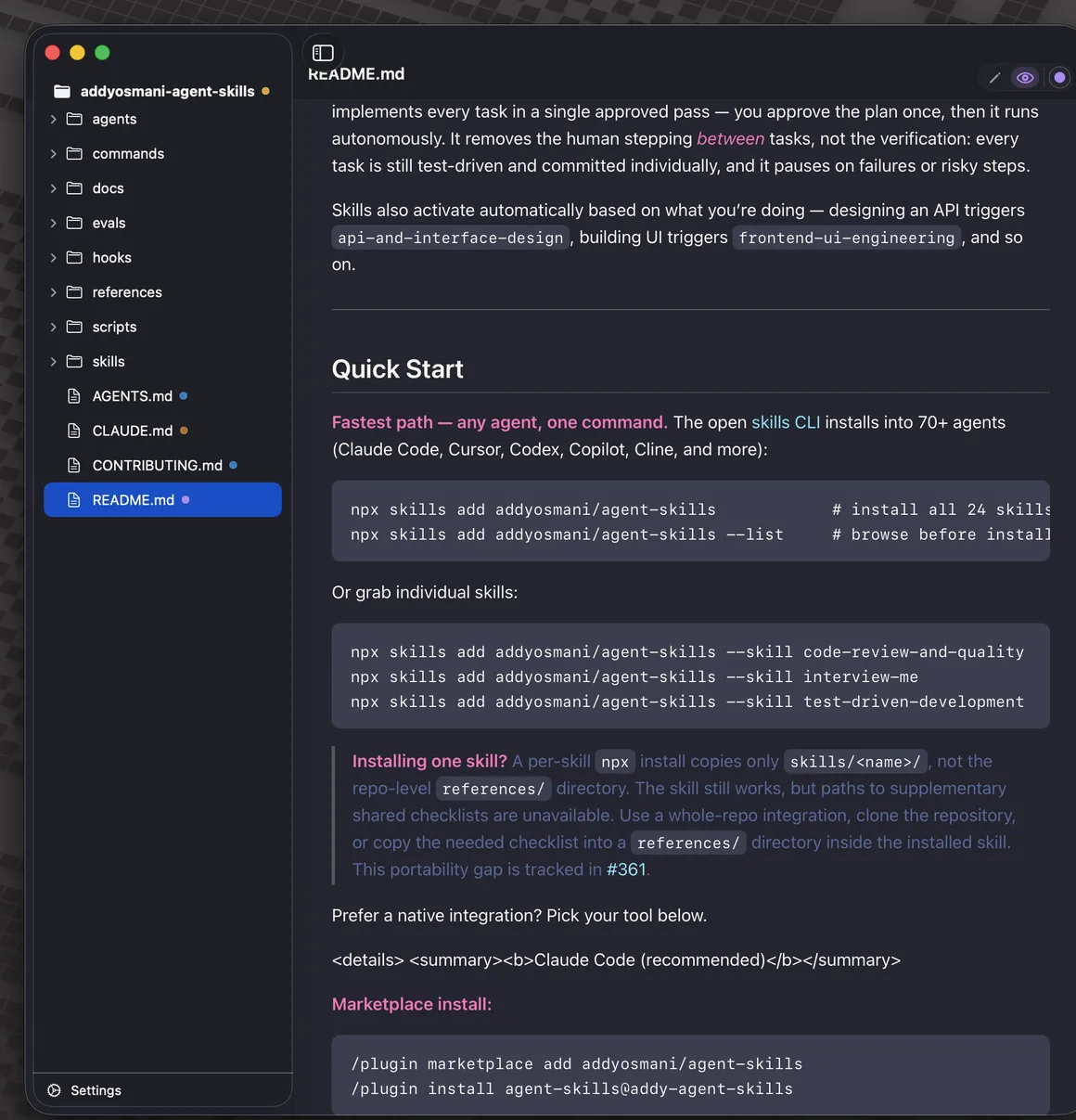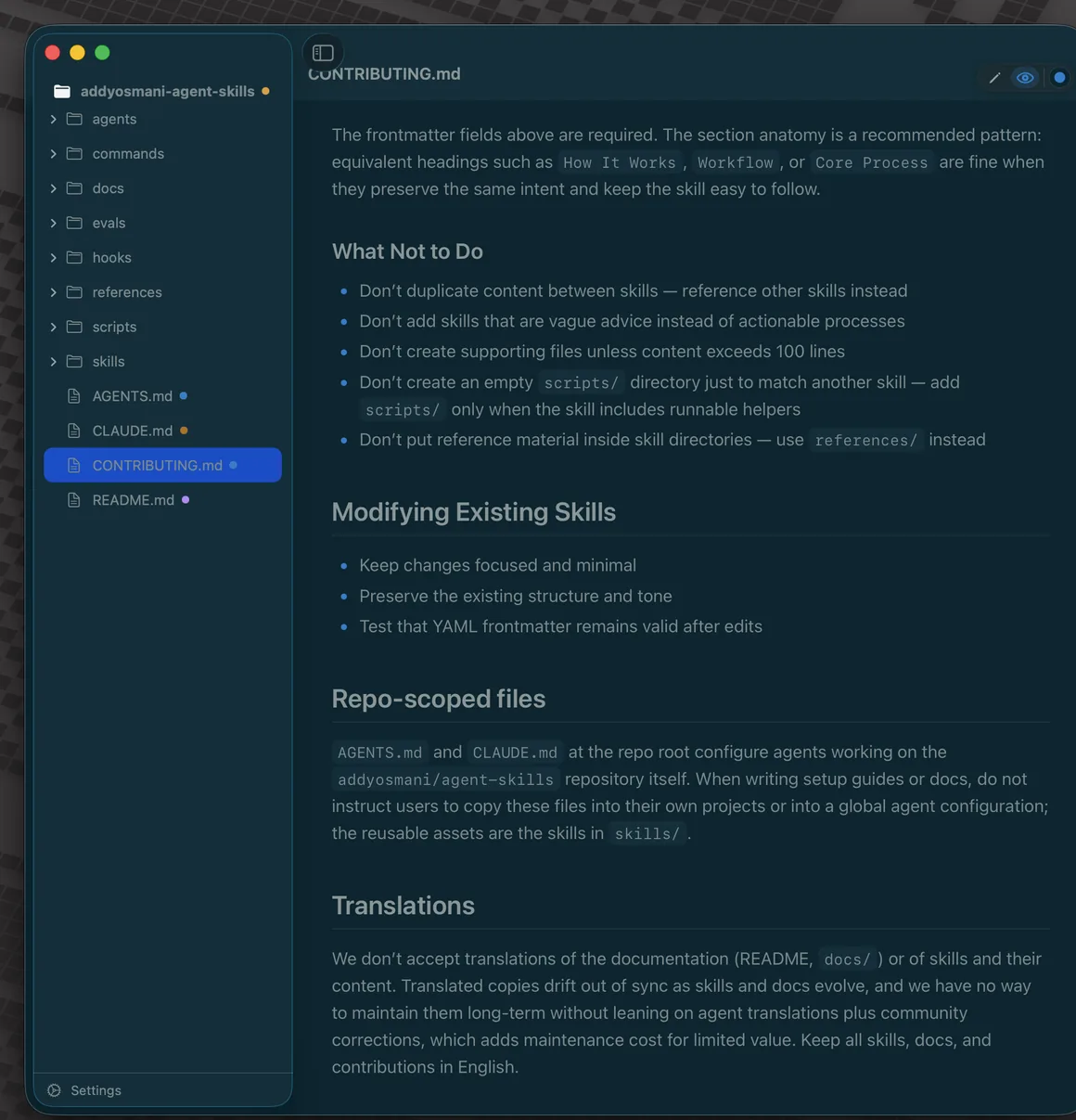
WorkMD opens your .md files as a themed preview or a syntax-highlighted source editor — a window per file, or all of them folded into one. No Electron, no accounts, no clutter.
WorkMD is a native Mac app for reading and editing .md files.
No Electron. One dependency.
Toggle editor ↔ preview with ⌘⇧P · syntax highlighting keeps the raw Markdown readable.
Open a file, read it beautifully, edit it in place, theme it to taste. WorkMD is a small native app that treats your files as files — no vault, no lock-in, no sync account.
Double-click in Finder, drag onto the Dock, drop into a window, or File ▸ Open ⌘O. Your files stay right where they are.
Open ten files, get ten windows — each with its own title, proxy icon, and edited-dot. Just like every other native Mac document app.
Window ▸ Consolidate All ⌥⌘M folds every open file into a single window with a left-hand open-files navigator. Pop any file back out again.
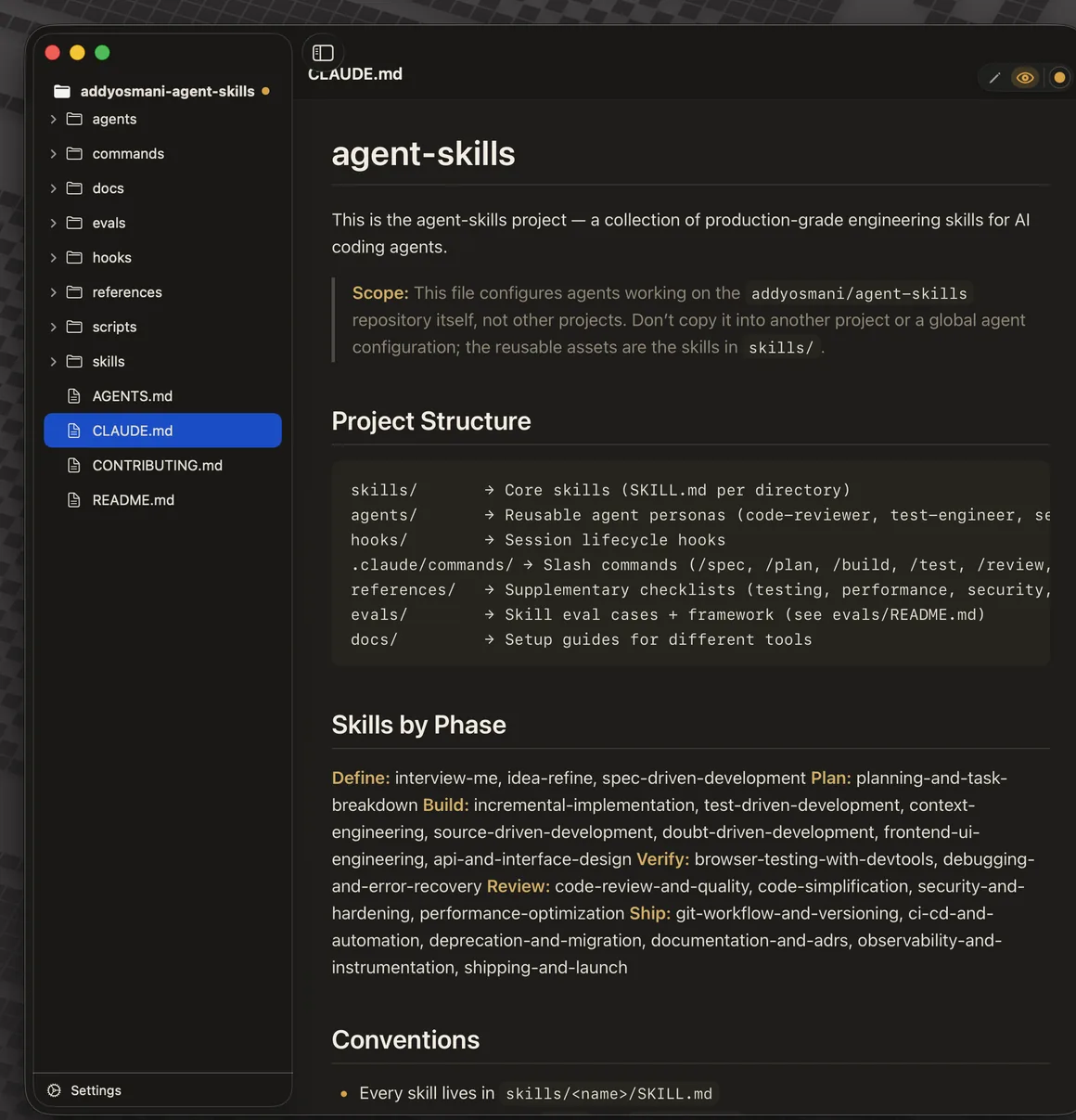
Drag a folder in to get a lazy file-tree sidebar with the viewer on the right — browse a whole project of notes without importing anything.
Toggle per window with ⌘⇧P, or set "open in Preview by default." The source editor highlights Markdown syntax — delimiters stay visible, it's never WYSIWYG.
15 built-in themes, a visual Theme Manager, a color-picker editor for your own, and proper system dark mode. Preview and editor restyle together — see the theming section.
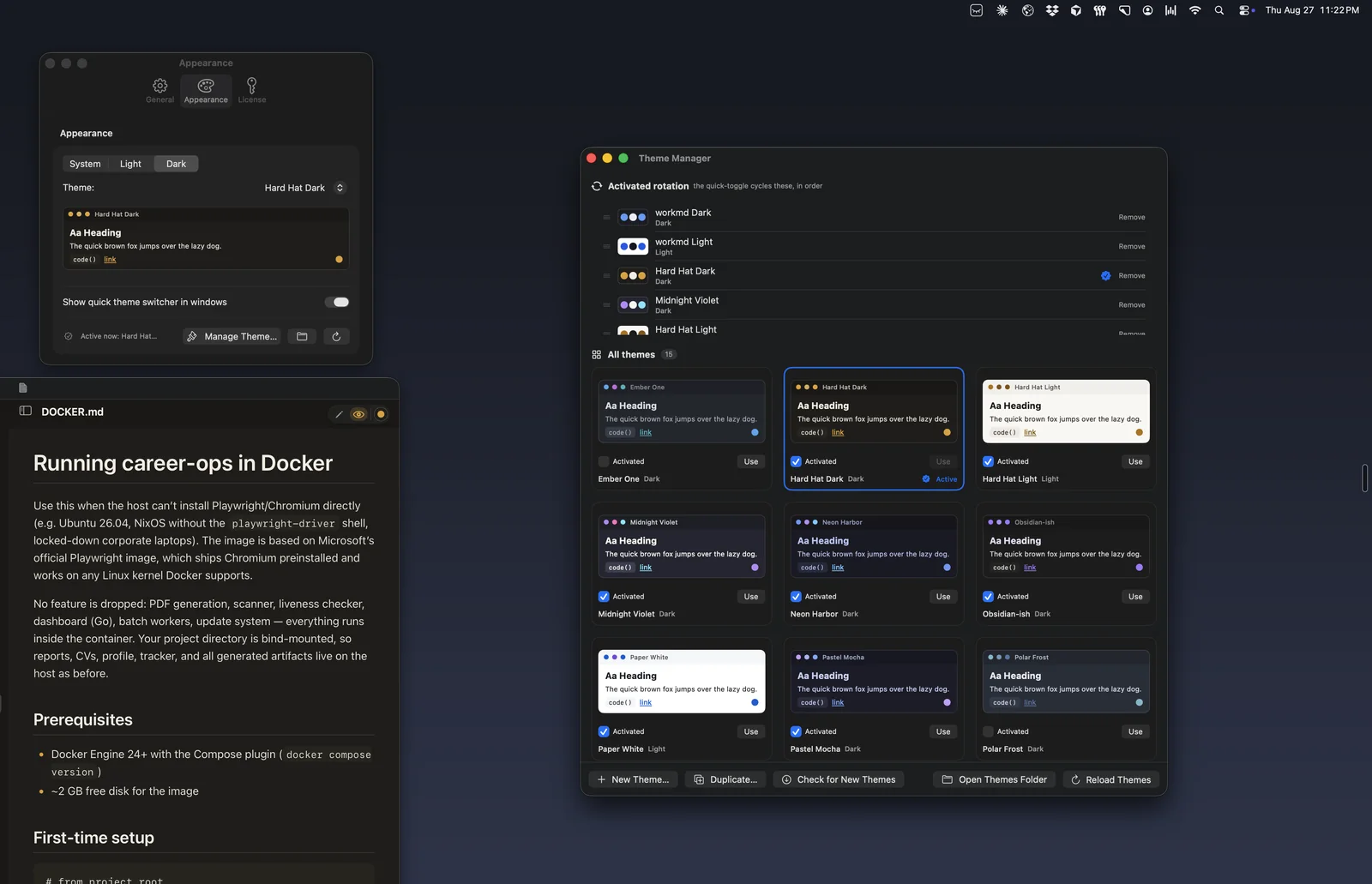
Every theme is a small JSON file of real color tokens. WorkMD ships with 15, follows your system's light and dark setting automatically, and lets you build or tweak your own with a color picker. Browse them all in the Theme Manager — the cards below are rendered live in each theme's actual palette.
A dedicated window to browse every theme with a live preview, curate an "activated set" you actually use, and set the active theme with a click.
Create a new theme from scratch or duplicate one and adjust its tokens with a color picker. Your themes save as JSON you own — bundled themes are never overwritten.
Trademark-safe homages of palettes you already love from editors like Obsidian & VS Code, plus balanced workmd Light and Dark and the warm Hard Hat default pair. Three are light, the rest dark.
A liquid-glass pill lives in the window to cycle themes ⌃⌘T or flip light ↔ dark ⌃⌘L without leaving your file. Hide it in Settings if you'd rather not.
Pin a favorite theme to a specific file, and let everything else follow your system appearance — WorkMD switches light ↔ dark automatically. The whole UI respects it, not just the preview.
New themes arrive through a small public catalog — separate from the app — so the built-in set can grow without waiting for an app update. The direct build also auto-updates via Sparkle.
Body text with an emphasis and a link, shown in the selected theme.
inline code()
Browse, activate, and preview every theme in one place — stylized illustration.
Duplicate any built-in theme, nudge its colors with the picker, and save. Custom themes live as your own JSON in ~/Library/Application Support/workmd/Themes/ — the bundled set is read-only and never touched.
New bundled themes ship through a small, anonymous public catalog — no app update, no account. The direct-download build also updates itself with Sparkle when a new version lands.
Body text with an emphasis and a link.
code()
Body text with an emphasis and a link.
code()
Body text with an emphasis and a link.
code()
Body text with an emphasis and a link.
code()
Body text with an emphasis and a link.
code()
Body text with an emphasis and a link.
code()
Body text with an emphasis and a link.
code()
Body text with an emphasis and a link.
code()
Body text with an emphasis and a link.
code()
Body text with an emphasis and a link.
code()
Ten of the 15 built-in themes shown. Build your own in the color-picker editor, or drop a JSON theme into your Themes folder and it shows up in the Theme Manager — no restart, no import.
Your files stay plain Markdown, on your Mac. No vault, no import step, no sync account. WorkMD reads and writes the very same .md files everything else does — local-first, private, native.
A native Mac app for reading and editing .md files.
Preview and source, side by side.
Consolidate All folds every open file into one window — stylized illustration.
Four real captures of one window — a repo folder dropped on WorkMD, file tree on the left, rendered preview on the right. What changes between shots is the theme: every file remembers its own, and the colored dots in the navigator mark which theme each one carries.
A one-time purchase — no subscription, no seats, no renewal. Buy directly and updates arrive automatically, or get it from the Mac App Store.
Built by one independent developer. No investors, and no tracking or analytics in the app — a small, native tool made with care. WorkMD keeps your files as plain Markdown on your Mac, and every purchase directly supports indie software. Thank you.
See more apps → designbymiz.com/apps