Native Markdown editor for macOS

A fast, native Markdown editor that gets out of the way.

WorkMD opens your .md files as a themed preview or a syntax-highlighted source editor: a window per file, or all of them folded into one. No Electron, no accounts, no clutter.

WorkMD app icon: a yellow hard hat with an engraved # on a dark rounded tile
Free 7-day trial macOS 14+ Apple silicon & Intel
notes.md — Edited

One window. The same shortcut flips it in the app.

Drop a folder

Drop in a folder. Get the whole project.

A file tree on the left, the rendered page on the right. Browse a whole repo of docs without importing a thing.
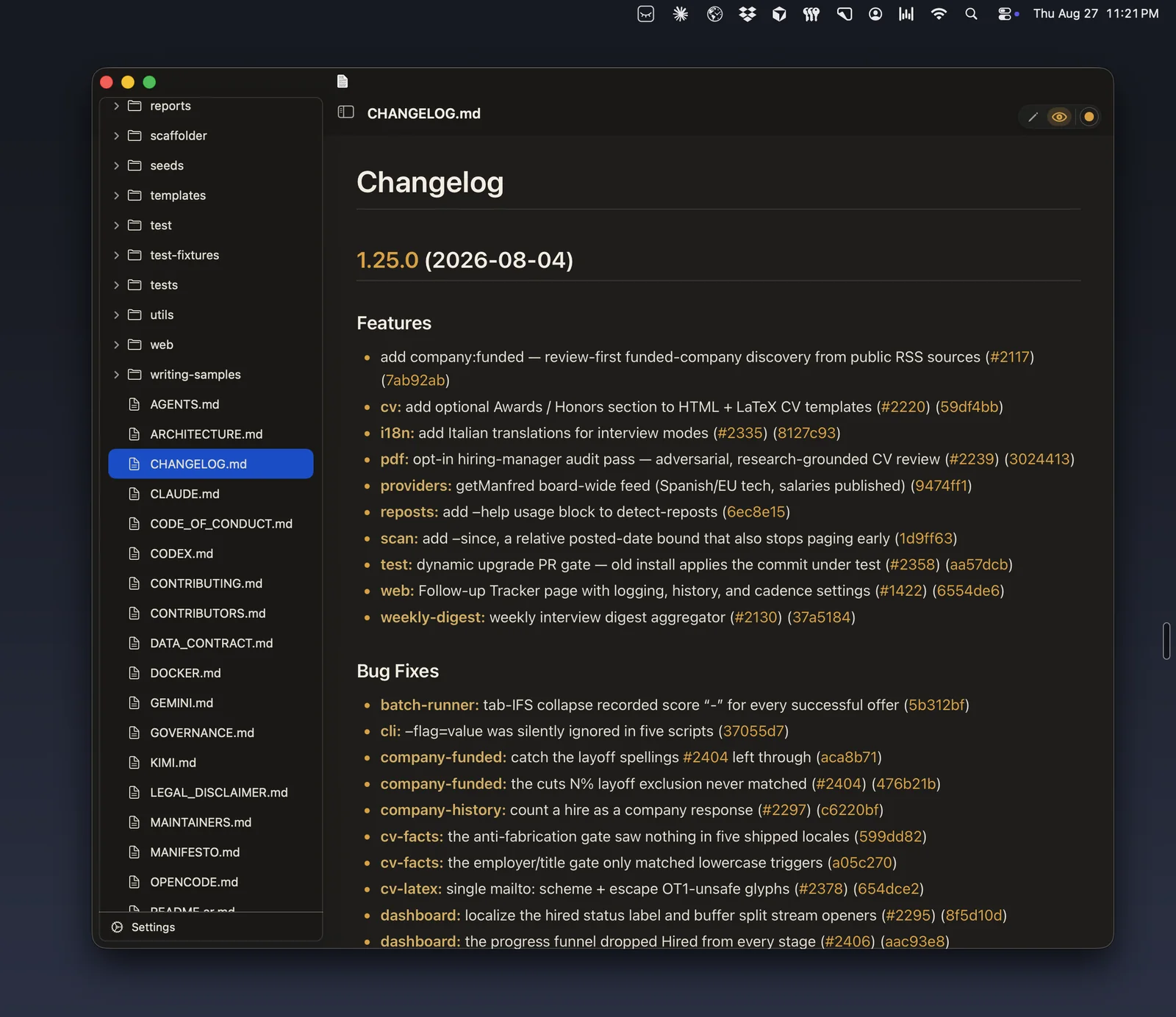
WorkMD previewing a repository folder on a real desktop: a file-tree sidebar on the left, the rendered CHANGELOG.md on the right in a warm dark theme, with the macOS menu bar in frame along the top.
Editor ⇆ preview

A real source editor, one keystroke away.

⌘⇧P flips preview to source and back. The raw Markdown stays visible, and both views wear the same theme.
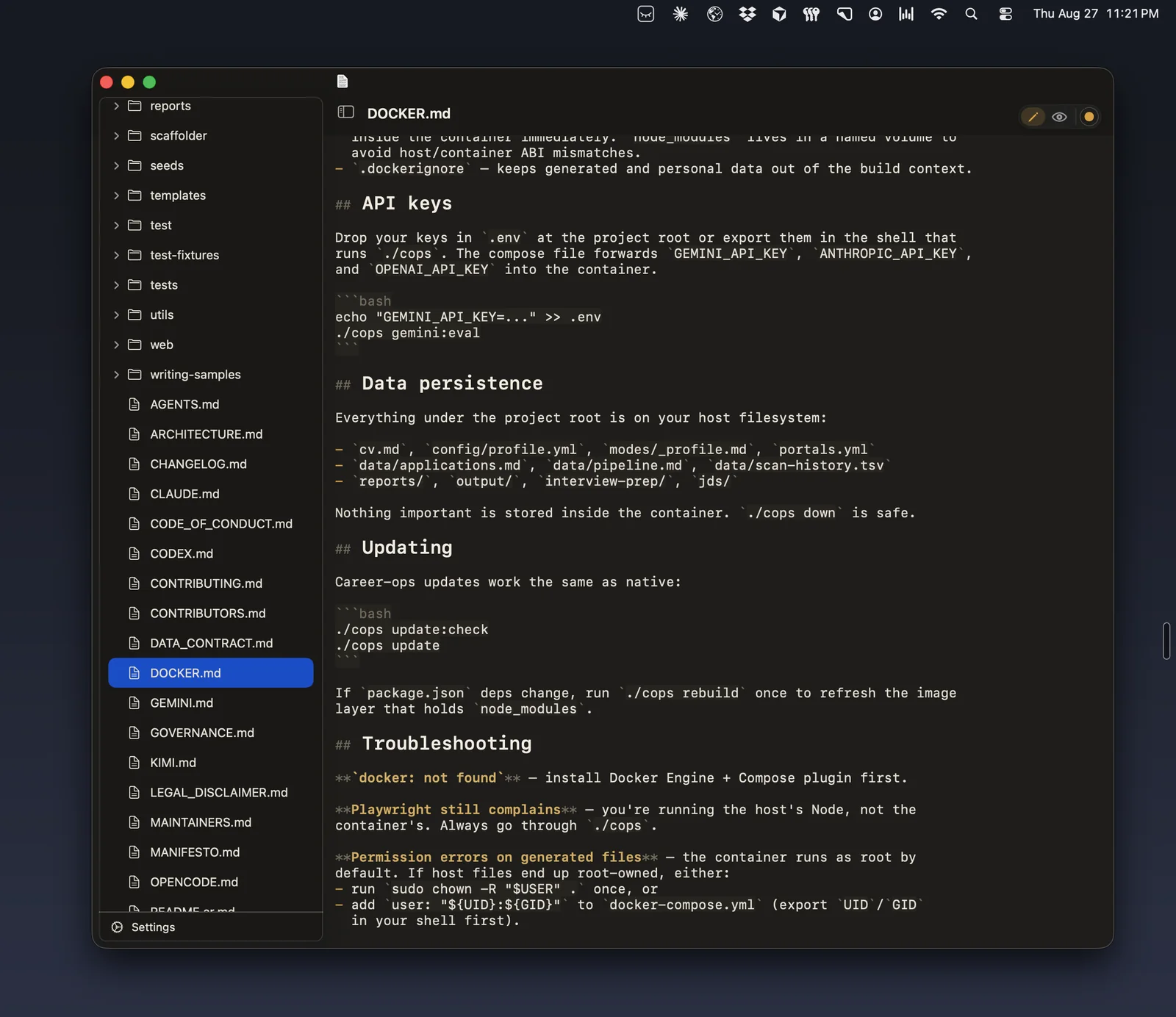
The same window in source view: raw Markdown with live syntax highlighting: headings, fenced code blocks and inline code tinted in the theme palette, with the file tree still on the left.
Deep theming

Pick a look. Or build one.

The Theme Manager previews all 15 as you browse. Appearance follows your system’s light and dark on its own.
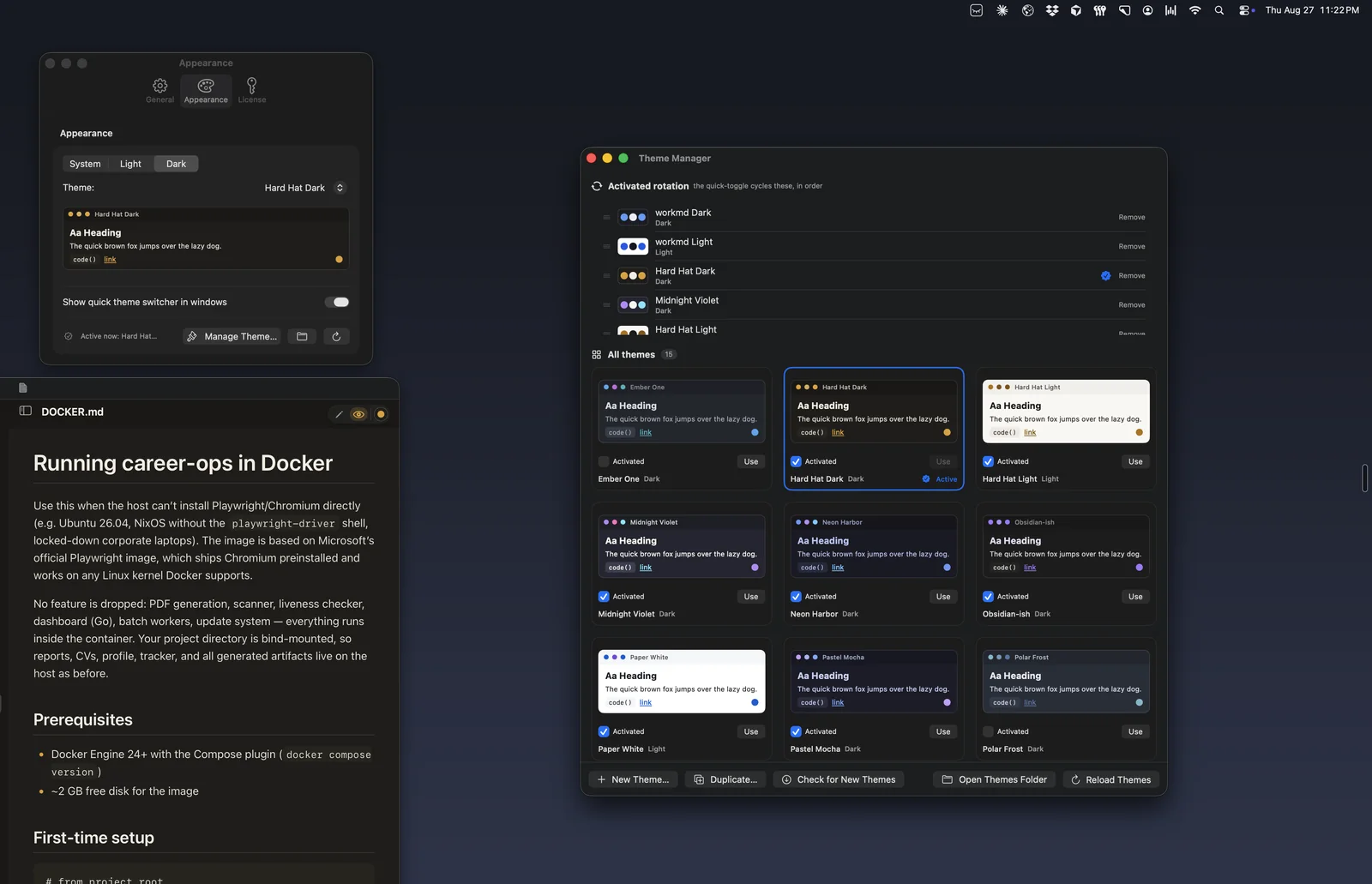
The WorkMD Theme Manager window: an activated-rotation list at the top, a grid of live theme previews below with one selected, beside the Appearance settings window and a themed document, on a dark desktop with the menu bar in frame.

The rest comes standard

See it for real

One window, four looks.

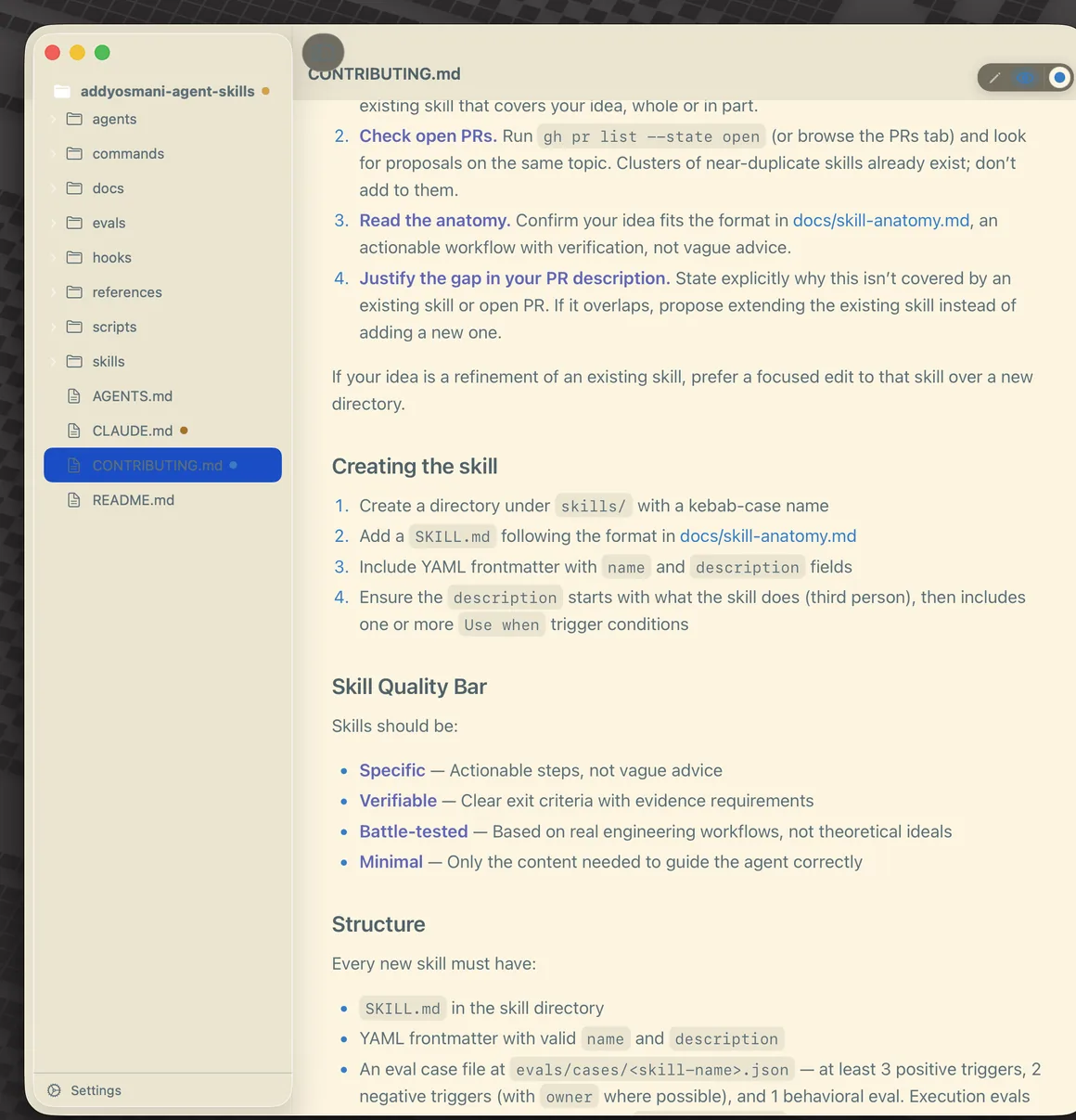
Four real captures of the same repo folder. Only the theme changes, and every file remembers its own.
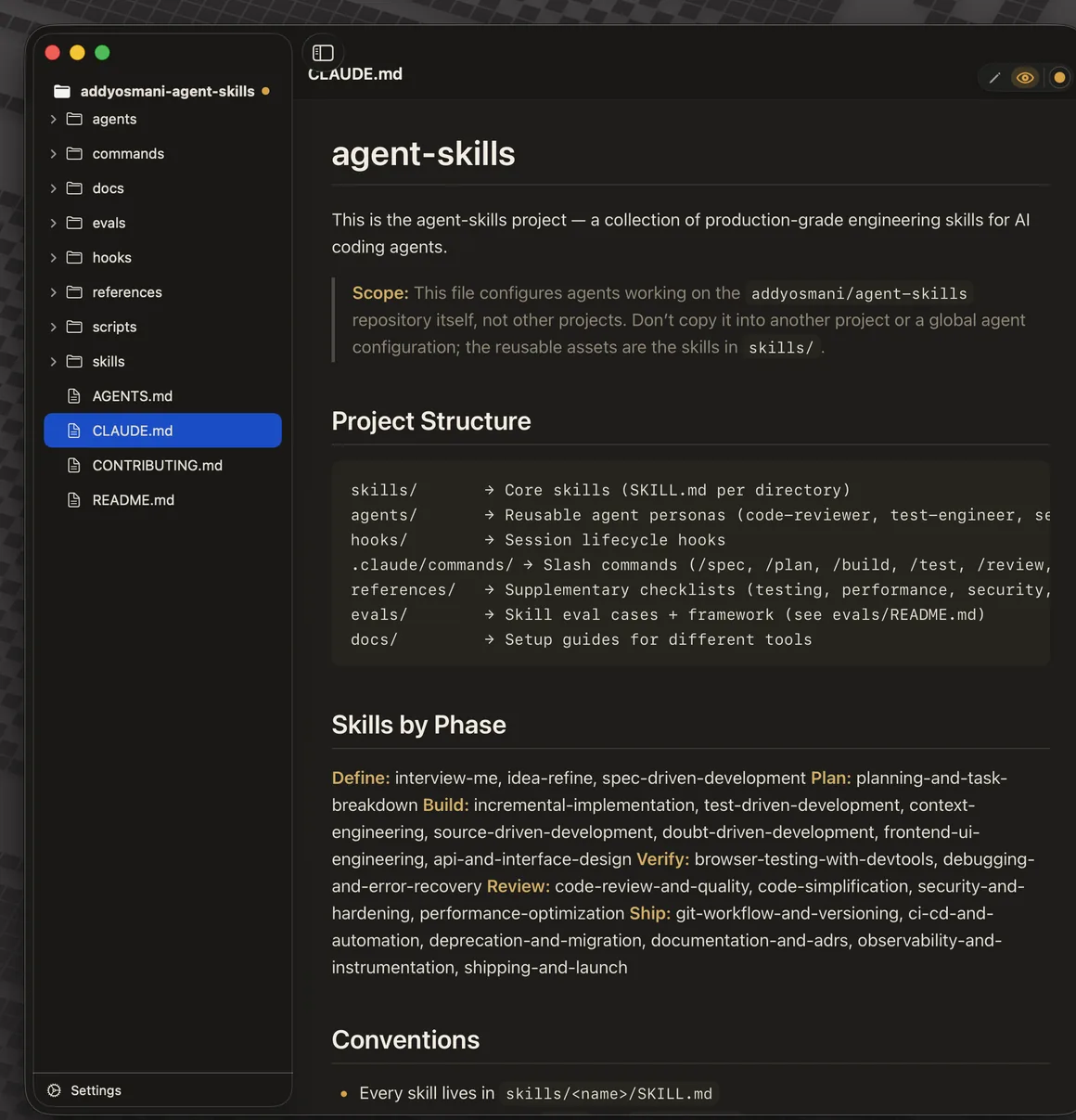
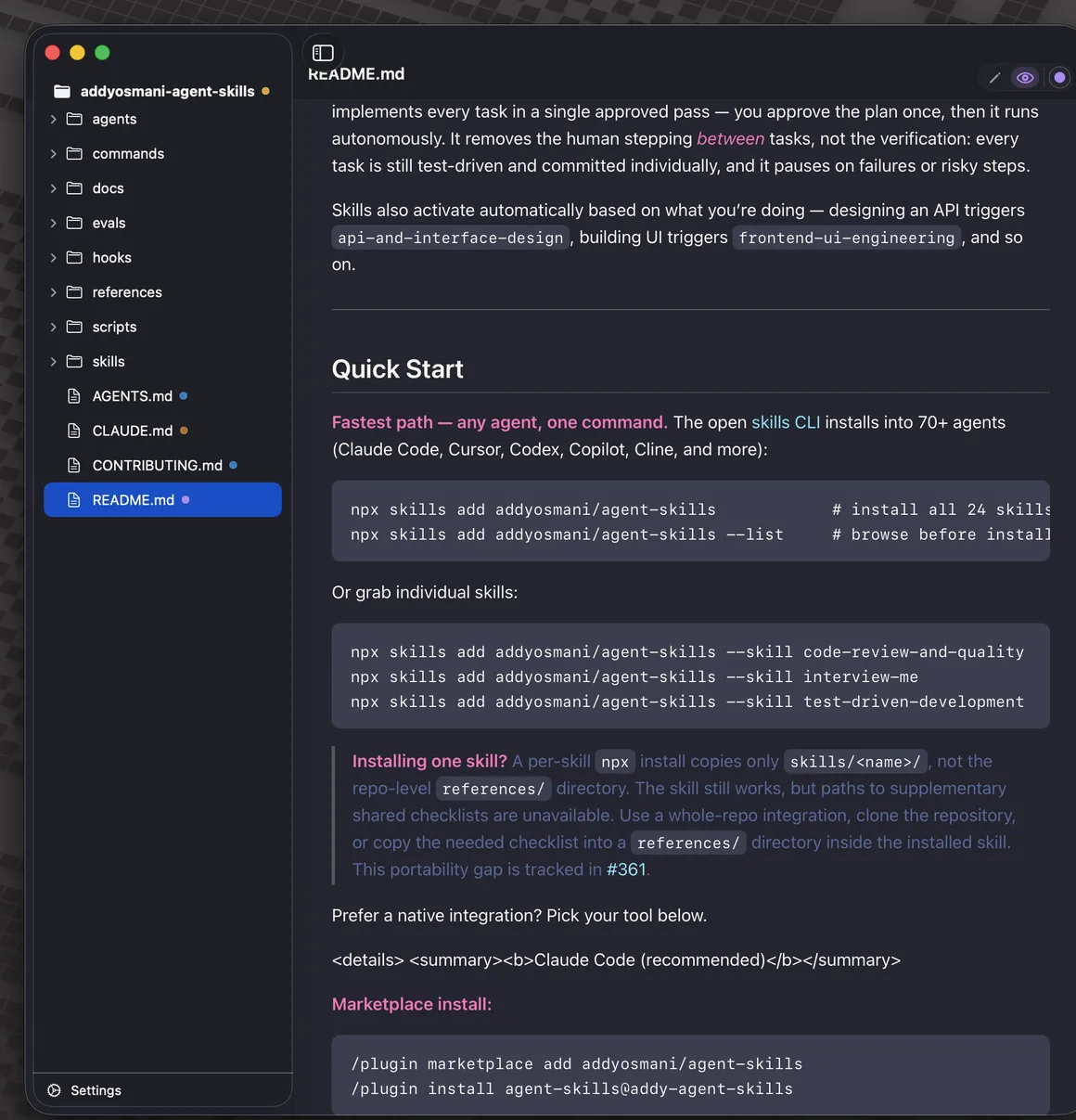
WorkMD in the Hard Hat Dark theme: a folder window with a file-tree sidebar listing a repository's folders and Markdown files, and a rendered preview of CLAUDE.md on a warm near-black background, with amber accents on links and folder markers. A Settings link is pinned at the bottom of the sidebar.
Hard Hat Dark
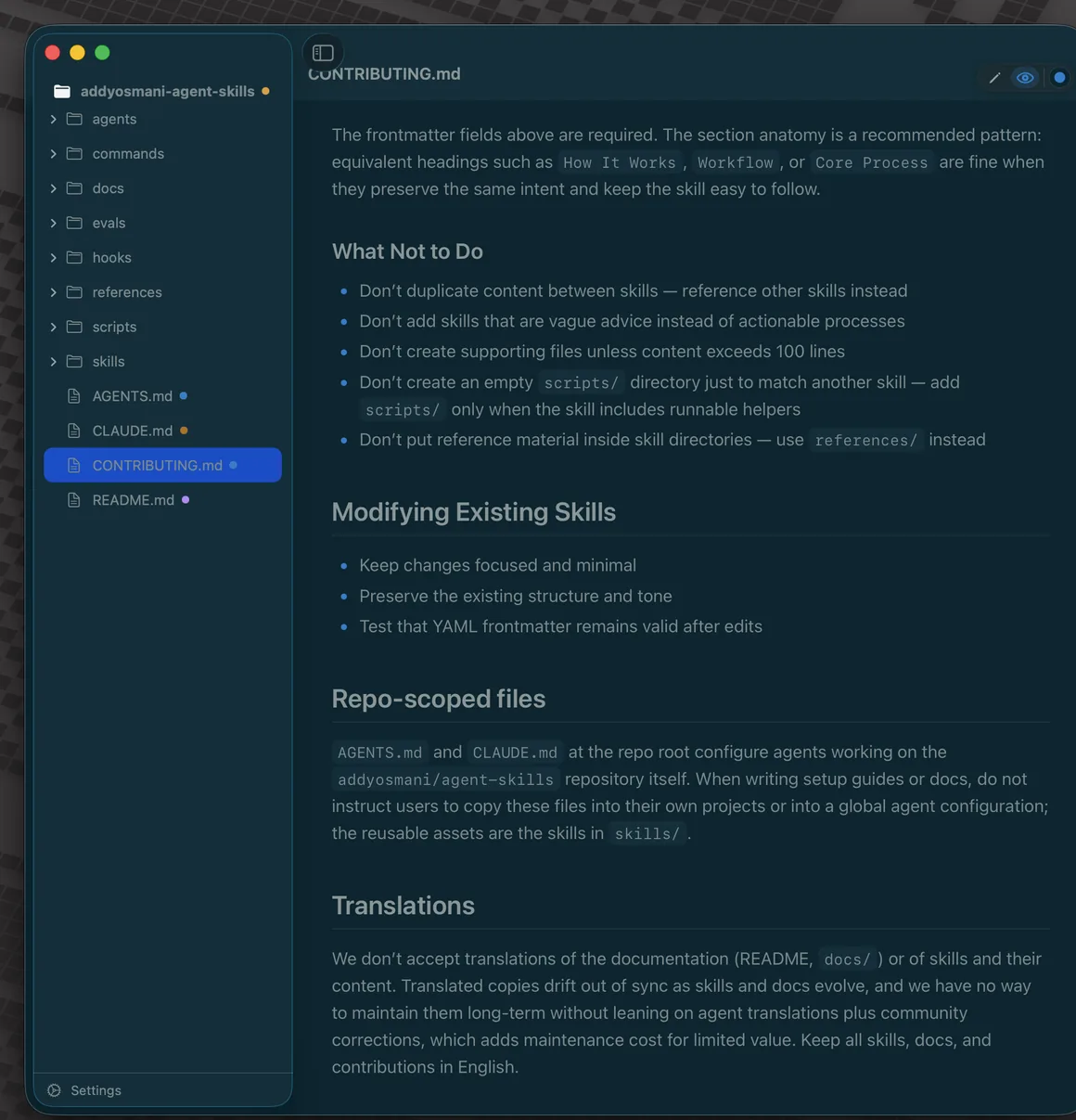
The same folder window in the Solar Parchment theme: cream background, blue links, the rendered preview of CONTRIBUTING.md beside the file tree. Small colored theme dots sit next to the filenames in the sidebar.
Solar Parchment
The same window in the Midnight Violet theme: dark indigo background with pink and purple accents, showing a README whose fenced code blocks are styled in the theme's palette. The compact editor-preview toggle sits at the top right of the content pane.
Midnight Violet
The same window in the Solar Deep theme: deep teal background with blue links, previewing CONTRIBUTING.md. Each file in the sidebar navigator carries a colored dot marking the theme that file remembers.
Solar Deep
$10

Try it free for 7 days. Then $10, once.

The full app, no account and no card. If it sticks, $10 unlocks it for good. Your license key lands on screen and in your email.

Free 7-day trial macOS 14+ Apple silicon & Intel

Built by one independent developer. No investors, and no tracking or analytics in the app, a small, native tool made with care. WorkMD keeps your files as plain Markdown on your Mac. Indie software, made to last. Thank you for following along before launch.

See more apps → designbymiz.com/apps